By - Che Browndon
Written-on - May 26, 2026
There are some Last War: Survival players who encounter OS Error 740 when trying to launch the game on PC. During Last War OS Error 740, the game fails to open or it requests permission so it can be really annoying to some people. This is especially true when people keep experiencing this error in a recurring manner. Luckily, the error isn’t related to game itself. The error is related to Windows Security restrictions and it is much more common on the PC launcher version than on mobile. Most Last War: Survival players who encounter this error will do so on PC rather than mobile. Some people might think it’s a complex issue (bug) but it’s just a permission issue where Windows blocks the launcher from running properly. This article is going to talk about the causes of OS Error 740 and how to fix it.
OS Error 740 usually happens when Windows prevents Last War: Survival from running because it does not have administrator rights. There are several causes of this issue but most of them are tied to permissions or restrictions. One of the main causes of Last War OS Error 740 is the game’s launcher not running as administrator. Other causes of the OS Error 740 in Last War: Survival is UAC (Windows User Account Control) restrictions, corrupted installation permissions and security software blocking the games requests. This just means the error isn’t related to game servers or internet connection. Lots of people assume it’s a game server problem but in reality it’s just local permissions issue. This error affects lots of applications and not only Last War: Survival.
This is the first fix you should try and it’s considered one of the easiest. Lots of players have reported on how running the launcher as Administrator fixed the OS Error 740. In order to do this, Close Last War game, Right Click on the launcher icon and Select “Run as Administrator”. Also allow Windows permission access and relaunch the game. Windows usually blocks apps from accessing required system files except a certain level of permission is given so this fix works because some files in Last War: Survival might need more permissions in your PC to install updates, modify files and connect to the servers well. Without Administrative permissions, the launcher may fail during startup and cause an OS Error 740. If you want to permanently enable administrator mode, you can right click on the launcher, open Properties, go to the Compatibility tab and check “Run this program as administrator”.
There are some cases where Windows versions conflict can cause permission errors and you can resolve this problem by changing compatibility settings. In order to fix OS Error 740 in this case, right click on the Last War Survival game launcher, go to properties and in properties, go to the Compatibility tab. Enable Compatibility mode (be it windows 8 or 10) and tick “Run as administrator”. Click on Apply and restart. This is helpful because older or even mismatched settings can block modern game launcher from getting proper permissions which causes this issue. If you use an older PC or windows setup, this might be the cause of your OS Error 740 in Last War so this way of fixing should be of use to you.

Corrupted files is another cause of Error 740 in Last War: Survival game. You can fix this issue by reinstalling the game launcher. To do this, first Uninstall Last War from your PC and delete leftover launcher folders from your PC. After you do that, you should restart your computer, download the latest launcher version and install the game again. If you only uninstall the game but you leave damaged launcher files behind then you might get the error again even if you download and install a new version. If you want to delete, you should delete everything related to the old version of the game. Search for the files and delete. Reinstalling the game will refresh the launcher files, update the data and configure the settings again. Some people also fixed this issue by installing the version that’s compatible with their devices especially if it’s low-end. It’s good that you backup your account before reinstalling.
There are some security software’s that can block Last Wars execution from an Administrative level causing the OS Error 740. Antivirus software’s are a good example of this. Some antivirus programs that do this include Windows Defender, Avant Antivirus, AVG, Norton etc. You can temporarily disable antivirus or add Last War to allowed apps (depending on the one you use). After doing this, you can restart the game to see what happens.
Other quick tips include freeing up some of your storage, closing background apps especially when there are a lot, and restarting your PC. If none of the fixes in this article work, then you should try contacting official support and do so with good screenshots.
OS Error 740 in Last War: Survival is a Windows permission issue that prevents the game from launching well on PC. In order to fix this issue, run the game as administrator, adjust compatibility settings and reinstall the launcher if nothing works
How to Beat High Noon 198 in Last War: Survival
High Noon in last War: Survival is a unique mode where you have to defeat......................
Written by - Che Browndon
How to Beat High Noon 198 in Last War: Survival
High Noon in last War: Survival is a unique mode where you have to defeat......................
Written by - Che Browndon
Kingshot Tri-Alliance Clash Guide: Best Strategies, Tips & Rewards
Tri-alliance clash is one of the biggest alliance events in Kingshot. Winning in this event......................
Written by - Che Browndon
How to Beat High Noon Stage 25 in Last War: Survival
High Noon is a popular minigame in Last War: Survival game that lets players test their......................
Written by - Che Browndon
What Are Survivor Tokens in Last War Survival and How to Use Them
Survivor Tokens are one of the most important and confusing resources in Last War: Survival Game. This is because......................
Written by - Che Browndon
Last War HQ 31 Requirements: How to Unlock Headquarters Level 31
The Headquarters (HQ) in Last War: Survival Game is the most important building in your base because it......................
Written by - Che Browndon
What are Last War T11 Requirements and How to Unlock Them
T11 in Last War: Survival Game refers to Tier 11 troops and these are some of the most......................
Written by - Che Browndon
What Are Tactical Cards in Last War and How to Use Them
Last War: Survival Game is a mobile 4x strategy game that combines base building, resource......................
Written by - Che Browndon
How to Recover Clash of Clans Account With Gmail, Game Center, Supercell & more
Clash of clans is a popular strategy mobile game where players build and upgrade their village, terrain armies and......................
Written by - Che Browndon
How to Get the 67 Emote in Clash Royale With Its Exclusive QR Code Reward
The 67 Emote in Clash Royale is a limited time cosmetic drop in Clash Royale that circulated via Official......................
Written by - Che Browndon
How to Get the 67 Emote in Clash Royale With Its Exclusive QR Code Reward
The 67 Emote in Clash Royale is a limited time cosmetic drop in Clash Royale that circulated via Official......................
Written by - Che Browndon
Borderlands 4 Vault Hunters: All Characters, Classes & Best Builds
Borderlands 4 will feature several Vault Hunters, each with unique classes and abilities......................
Written by - Che Browndon
How to Enable Voice Chat (VC) in Roblox: Step-by-Step Guide
Voice Chat in Roblox allows players to communicate in real-time with others making the game.....................
Written by - Che Browndon

Who Plays James Bond in 007 First Light? Cast & Voice Actor Explained
James Bond in 007 First Light is voiced or played by Irish Actor.....................
Written by - Che Browndon
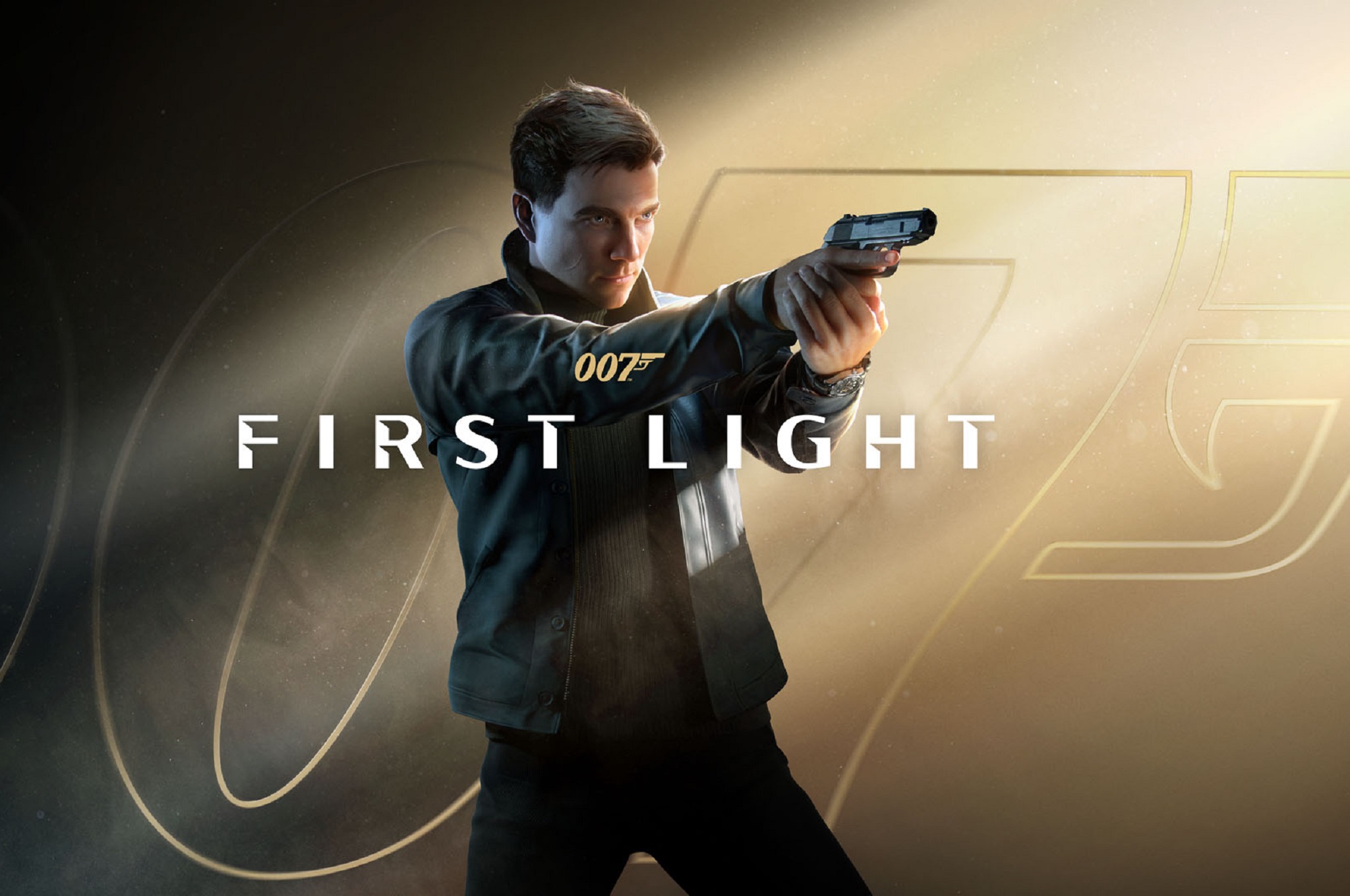
007 First Light Release Date, Platforms & Gameplay Details
007 First Light is an upcoming action adventure James Bond game developed by IO Interactive. The game.....................
Written by - Che Browndon
Hollow Knight: Silksong Release Date and Nintendo Switch Info
After 6 years of anticipation, Hollow Knight: Silksong’s release date has finally been revealed. .....................
Written by - Che Browndon
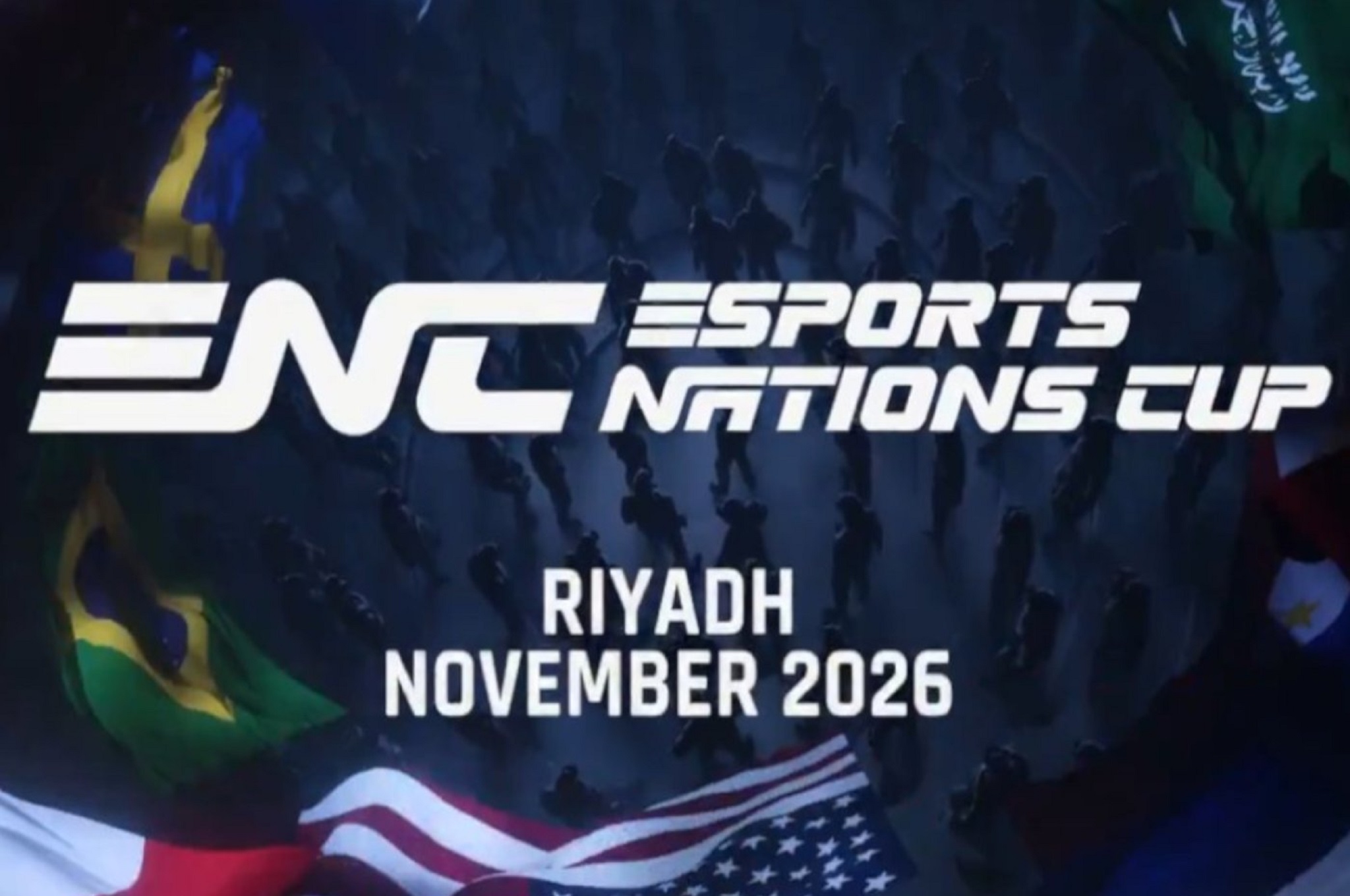
Esports Nations Cup: Format, Teams, Prize & How to Watch
Esports Nations Cup is a new tournament announced by Esports World Cup Foundation (EWCF), where.....................
Written by - Che Browndon
Ubisoft Brings 16 Games to Xbox App on PC, Including Assassins Creed Shadows
Ubisoft is a video game development company based in France and one of the largest in the world. Most Video Game fans are aware of ...................
Written by - Che Browndon
Xbox Fans Disheartened By Game Console Price Increase. What You Should Know
Officially Launching on November 10, 2020, Microsoft Xbox Series X and Series S are two of the most recent console releases from tech giant Microsoft. ...................
Written by - Che Browndon
Copyright © 2025 ComicCone.com. All Rights Reserved